Buy and sell crypto. It’s quick, simple, and secure.
Buy with any currency, swap across any chain, cash out anywhere. No extra tools, no third parties.






Trusted by 250+ industry leaders:


MAKING CRYPTO EASY SINCE 2017

I found this excellent app very practical.
Easy to use and very efficient.
It wasn’t as long and cumbersome as I was afraid of. It took less time, more streamlined and took less time in general to complete the transaction than with other services.
The crypto price and fee were absolutely fair. The purchase process was transparent, fast, and efficient. Absolutely exemplary and highly recommended.
Well designed and very efficient process that leads to fast and easy to conduct transactions. Been using this for quite some time and it has become my go-to option to convert fiat to crypto.
I used the service to withdraw cryptocurrencies to a bank card. Verification was quick and easy. The commission turned out to be low, which distinguishes this service from others. The most important thing is that the money was credited to the card in just a few minutes after the transaction was confirmed.

ONE APP.
EVERYTHING CRYPTO.



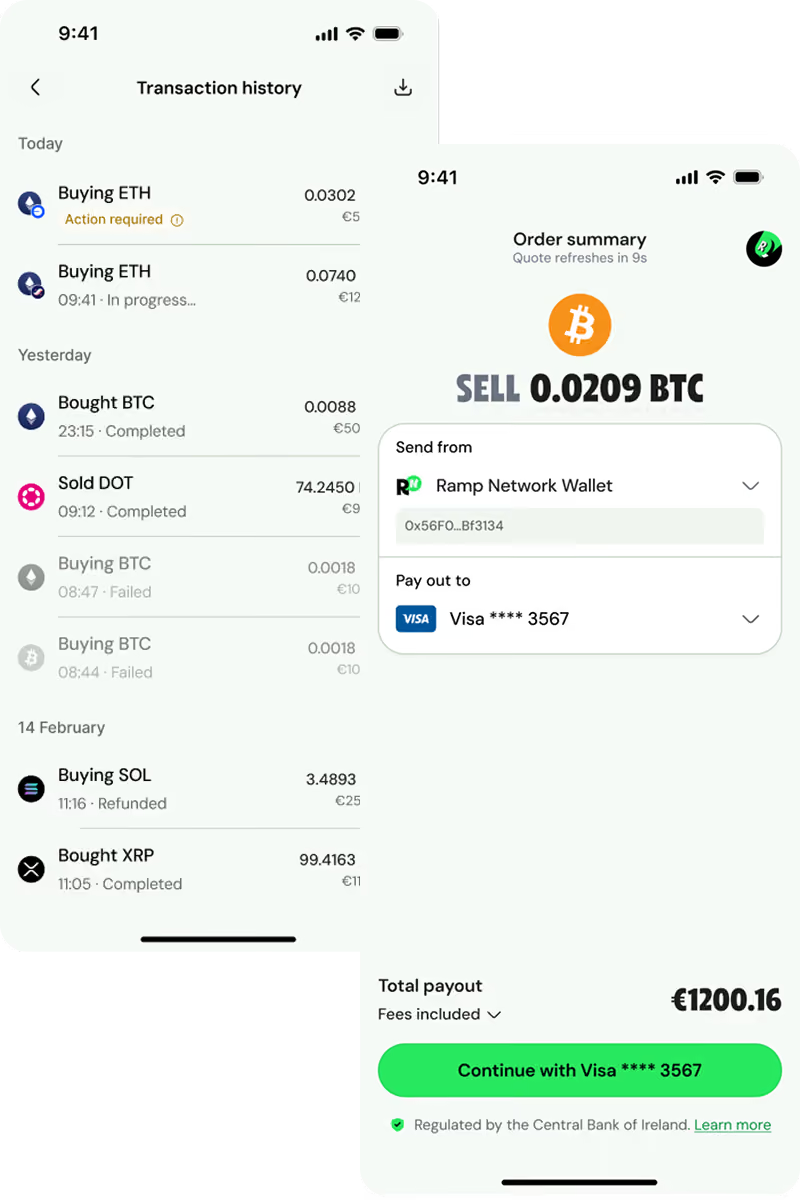
CRYPTO, THE WAY IT SHOULD WORK
Swap without the tradeoffs

Get onchain, pain free


SECURE BY DESIGN. YOURS BY DEFAULT.





Just crypto. super fast.


Regulated in the US, EU and UK

Registered Money Services Business

Crypto Asset Service Provider (CASP)

Registered Cryptoasset Firm
NEED HELP? WE'VE GOT YOU COVERED.
Locked Accounts
We know having your account locked can be frustrating and we're here to help explain why this might have happened. Your Ramp Network account could be locked for a few reasons, usually because we've detected activity that doesn't comply with our Terms of Service.
As a global business in a highly regulated industry, compliance is very important to us, as well as keeping our platform safe and secure for all users. Our Terms of Service are designed to reflect this.
Some common reasons for locking an account include:
- No longer meeting our eligibility criteria
- Using a payment method that's not in your name
- Using a shared crypto wallet address
- Being located in a country that we are not able to serve
- Your transactions are connected to activities like gambling, controlled substances, or other restricted services
- Not paying our fees
- Violating our Terms of Service
- if we're required to do so by law enforcement, government, or regulatory agencies.
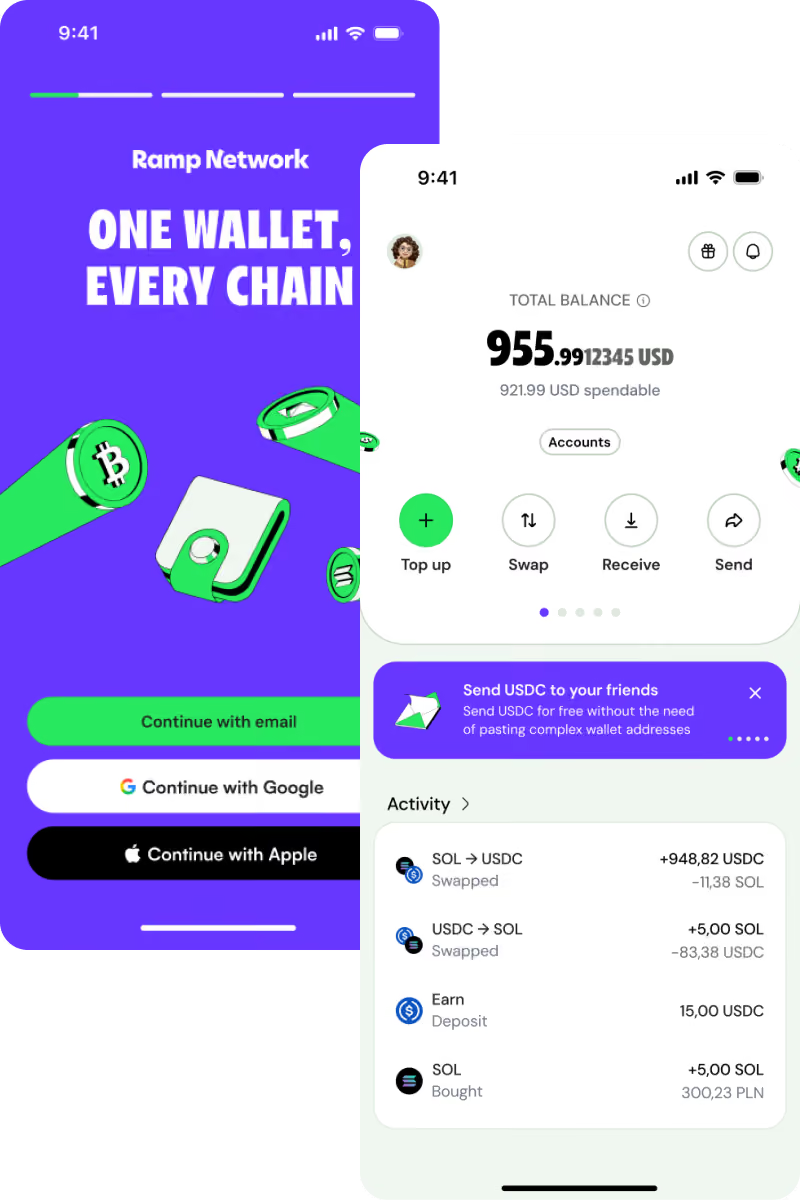
Important: a locked account only affects access to Ramp Network's services. Because your in-app wallet is fully self-custodial, your funds always remain yours and under your control, we never have access to them. You can still send and receive crypto, transfer funds to another wallet, or export your wallet at any time, regardless of your account status.
Please note that we may lock, suspend, or restrict accounts at our discretion, sometimes without notice. In some cases, we may not be able to provide specific details due to legal or regulatory reasons.
To avoid any issues with your account, we recommend staying updated on our Terms of Service and checking the cryptocurrency regulations in your country.
If you have any questions or concerns, feel free to reach out. We're here to help!
Terminated Accounts
Unfortunately, our support team isn't able to reactivate accounts that have been terminated or provide details on why the account was closed due to compliance/legal guidelines. This means that even though we handle customer communications, we are not permitted to share any further details. We advise customers to stay updated with our Global Terms of Service and relevant cryptocurrency regulations to prevent potential access issues.
When should I log a customer support ticket?
A customer should log a support ticket if they have exhausted all other resources, including checking our Help Center articles, but have not been able to resolve their issue.
How should I log a customer support ticket?
If you need assistance from our support team, follow these simple steps:
- Visit our Help Center
- Look for the green chat icon in the bottom right corner and click on it
- Select "Send us a message"
- Choose the topic that best describes your issue
Rampy, our friendly support bot, will then chat with you and try to resolve your query. If Rampy is unable to help, you can easily create a support ticket by:
- Selecting the "Create a ticket" option
- Provide the required details about your issue
Our support team will review your ticket and get back to you as soon as possible to address your concerns.
Account verification issues
If you haven’t received your verification code email, here are a few steps you can try to fix the issue:
- Check Your Spam or Promotions Folder
Sometimes, verification emails end up in your spam, junk, or promotions folders by mistake. Take a quick look there to see if the email landed in the wrong place. - Clear Cookies and Cache
Clearing your browser’s cookies and cache can help speed things up and fix login problems. Here’s how to do it:- Google Chrome: Go to Settings > Privacy and Security > Clear Browsing Data. Select "Cookies and other site data" and "Cached images and files," then click "Clear data."
- Firefox: Go to Options > Privacy & Security > Cookies and Site Data > Clear Data.
- Safari: Go to Preferences > Privacy > Manage Website Data > Remove All.
- Whitelist Our Email Domain
Make sure emails from our domain (em440.ramp.network) aren’t being blocked. Add us to your whitelist or safe sender list. Here’s how:- Gmail: Open the email, click the three dots in the top right, and select "Add em440.ramp.network to Contacts list."
- Outlook: Right-click the email, choose "Junk," then "Never Block Sender."
- Yahoo: Open the email, click the three dots, and select "Add to Contacts."
Try Alternative Login Options
If you're still having trouble, you can try logging in with Apple or Google Sign In. If none of these steps work, please reach out to our support team. We're here to help.
Why is my transaction delayed?
While most transactions on Ramp Network are completed within minutes, there are some situations where things might take a bit longer. Here are a few common reasons for delays:
🏦 Manual bank transfers take longer
Manual bank transfers usually take 2-3 business days to clear, but for some German banks, it could take 6-8 business days (these are just estimates your bank’s actual timing may vary).
To compare payment methods, read Choose a payment method for your crypto purchase.
🌐 Network congestion
Sometimes blockchains get really busy during peak times, which can slow things down. While this is beyond our control, don’t worry—your funds are safe. We’re closely monitoring the situation and will complete your transaction as soon as the network clears.
🕵️ Extra checks required
In some cases, we may need to run extra checks, which could delay your transaction. We work quickly to complete these checks so that we can process your transaction as soon as possible.
📄 KYC limit exceeded
If you’ve exceeded your KYC (Know Your Customer) limit, we’ll need to verify some additional details. The process depends on the amount of your transaction, and you’ll receive an email with further instructions. Be sure to check your inbox for updates once you complete the verification, we’ll process your transaction right away.
🚩 Technical issues
Occasionally, delays happen due to technical problems on our end. Rest assured, our tech team is on it, and your funds are always safe! If a technical issue prevents us from processing your transaction, we’ll promptly issue a refund.
Stay tuned to your email or our support account on X (formerly Twitter), where we’ll post any updates on system-wide issues first.
Where is the crypto I sold?
The crypto sold is in the Ramp Network's wallet. After initiating the transaction, you will receive a crypto wallet address to which the cryptocurrency should be sent in order to receive the payout. In some cases, certain wallet providers automatically provide this crypto wallet address for the transfer.
Where is the crypto I bought?
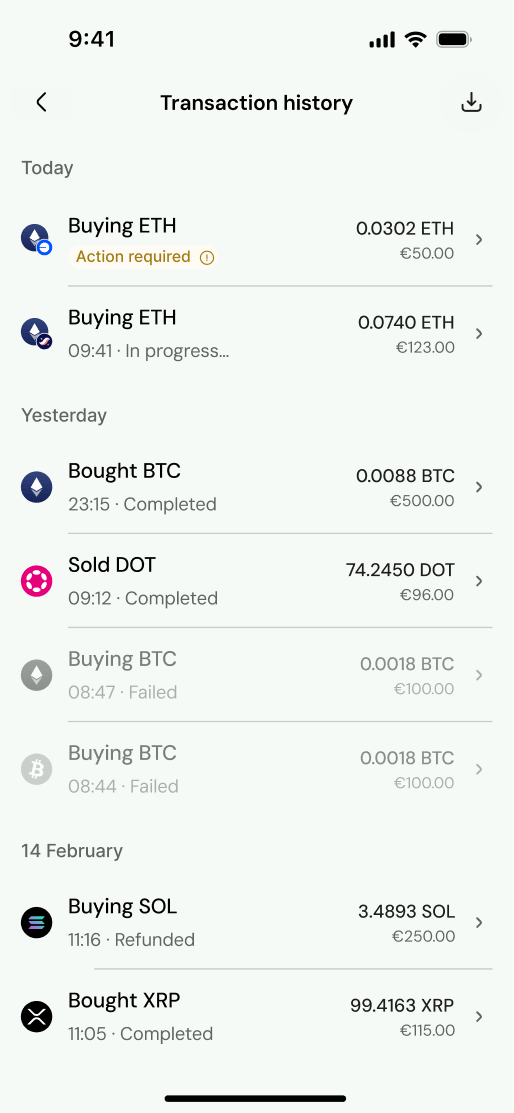
We send your crypto as soon as we receive your payment, but the timing can vary depending on the payment method you choose. For example, credit or debit card payments are usually processed in minutes, while bank transfers tend to take longer.
Once we have your funds, sending your crypto depends on the blockchain you're using. We process your crypto right away, but confirmation times on the blockchain can take anywhere from a few seconds to a few hours.
For instance, Cosmos transactions can be confirmed in seconds, while Bitcoin typically takes 10 to 30 minutes. Keep in mind that during busy times, even faster blockchains can experience delays.
What should I do if my refund is taking longer than expected?
If it’s been more than 10 business days and you haven’t received your refund, please confirm that the crypto payment was deducted from your wallet. If you're sure you paid us for a transaction that wasn’t processed, please reach out to our support team with the transaction hash of the missing transfer. That will help us trace your transaction and get things fixed out quickly!
How long do refunds normally take?
Crypto refunds typically take up to 10 business days to show up in your wallet. While the transaction is initiated immediately on our end, banks require this processing period to complete the transfer.
As soon as your refund is fully processed, we'll send you an email confirmation. You can also confirm the status by checking your transaction receipt.





GET THE APP FOR HASSLE-FREE CRYPTO

